Baseball Savant's new Player Comparison Tool allows you to compare multiple batters or pitchers' MLB percentile rankings in various Statcast metrics, in the style of the visuals at the top of Baseball Savant player pages.
The Player Comparison Tool is fully customizable. Select up to nine batters or pitchers for comparison, and select any combination of the available stats across various categories (player value, batting, pitching, fielding, catching, running). Use default stat groupings for batters, pitchers or catchers, or pick and choose whichever percentiles you want to compare.
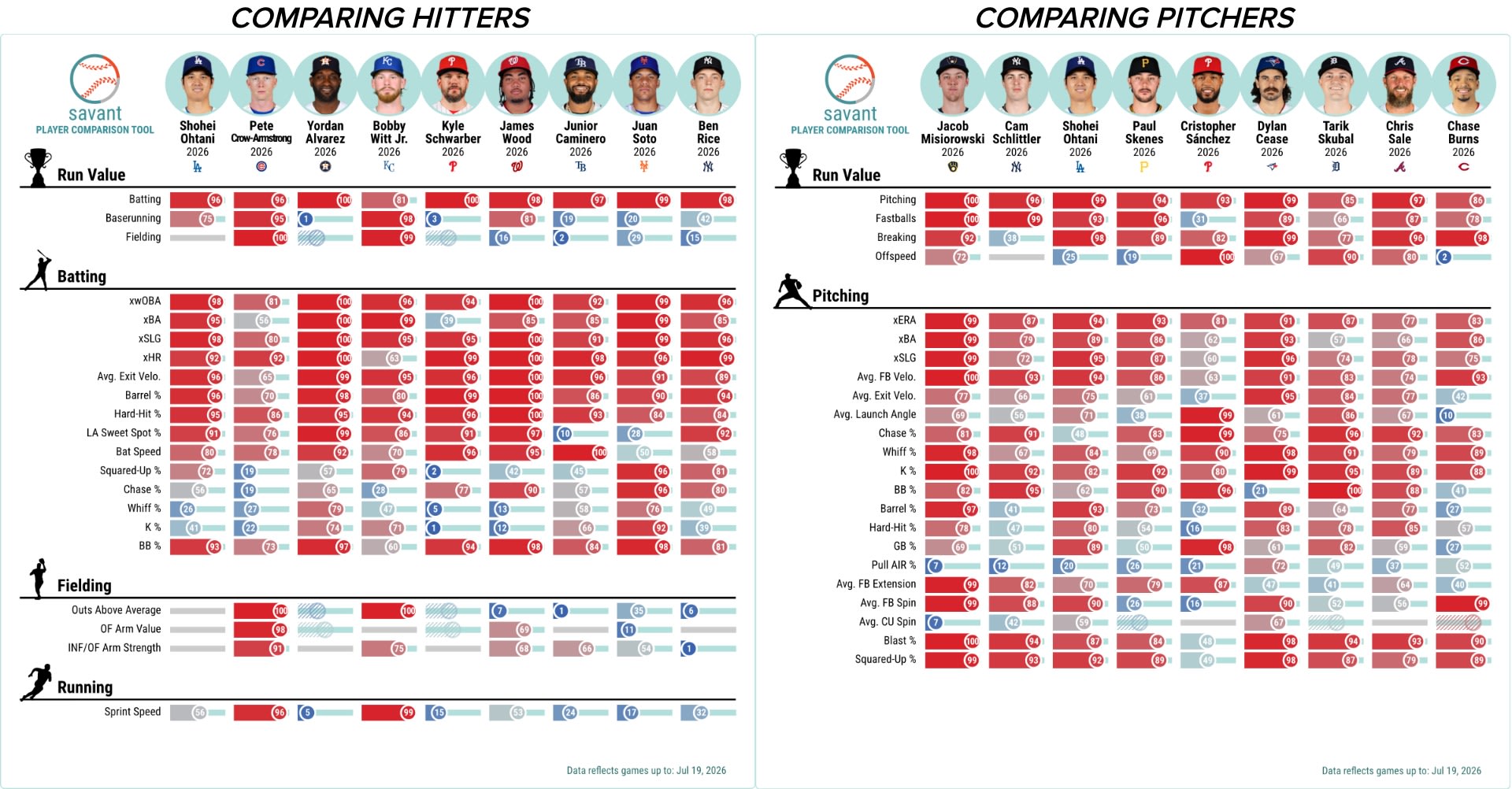
Select players by searching for any player name -- you can also filter by season, player type, team and position -- or choose from Trending Players or Suggested Players (based on your players currently selected).
Player seasons can be selected for the full Statcast era (2015-present), but some stats may not be available for all seasons (for example, bat speed is available for 2023-present).
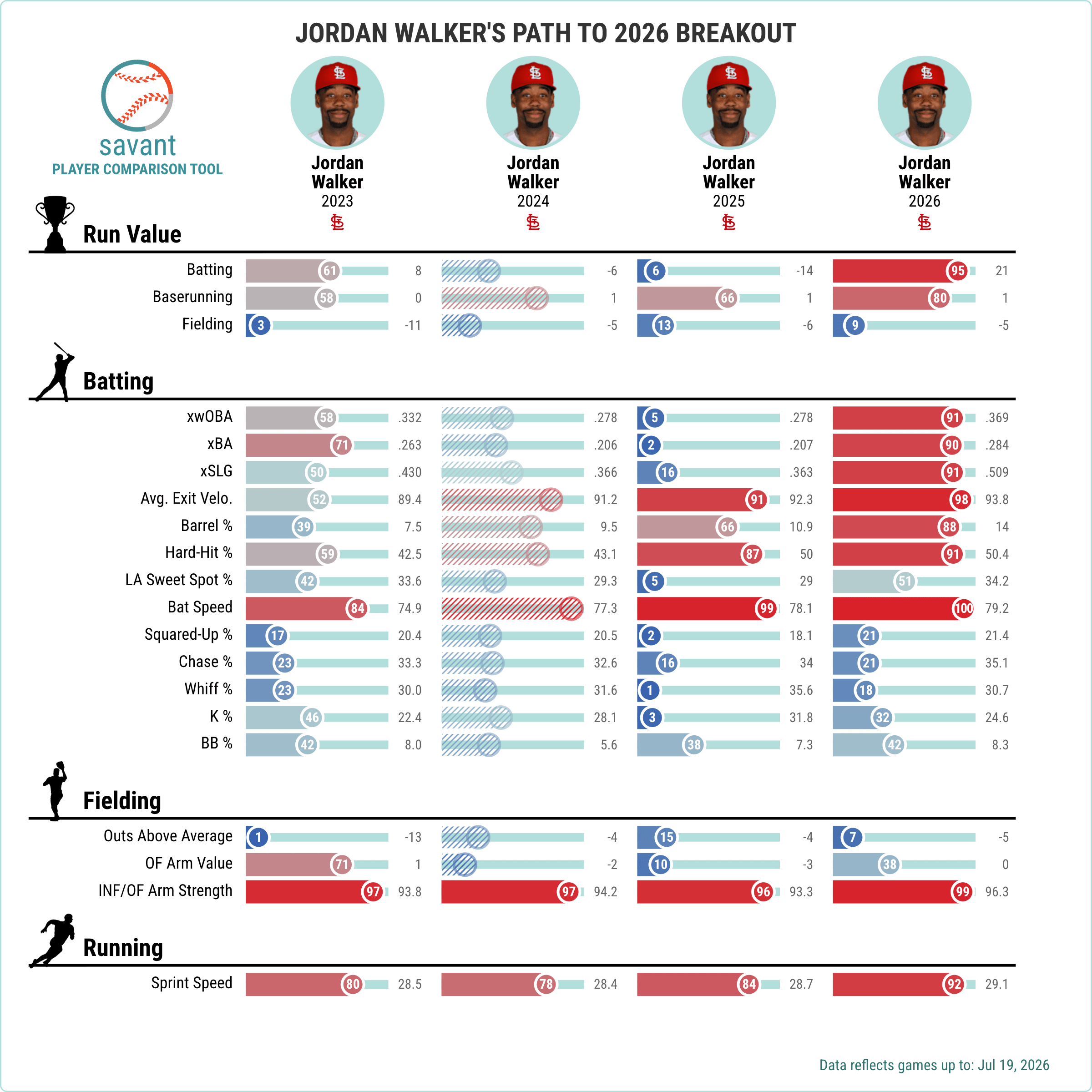
Under Settings, you can choose to highlight the "winner" of any percentile comparison, as well as show the actual stat value for a player as opposed to simply his MLB percentile for that stat.
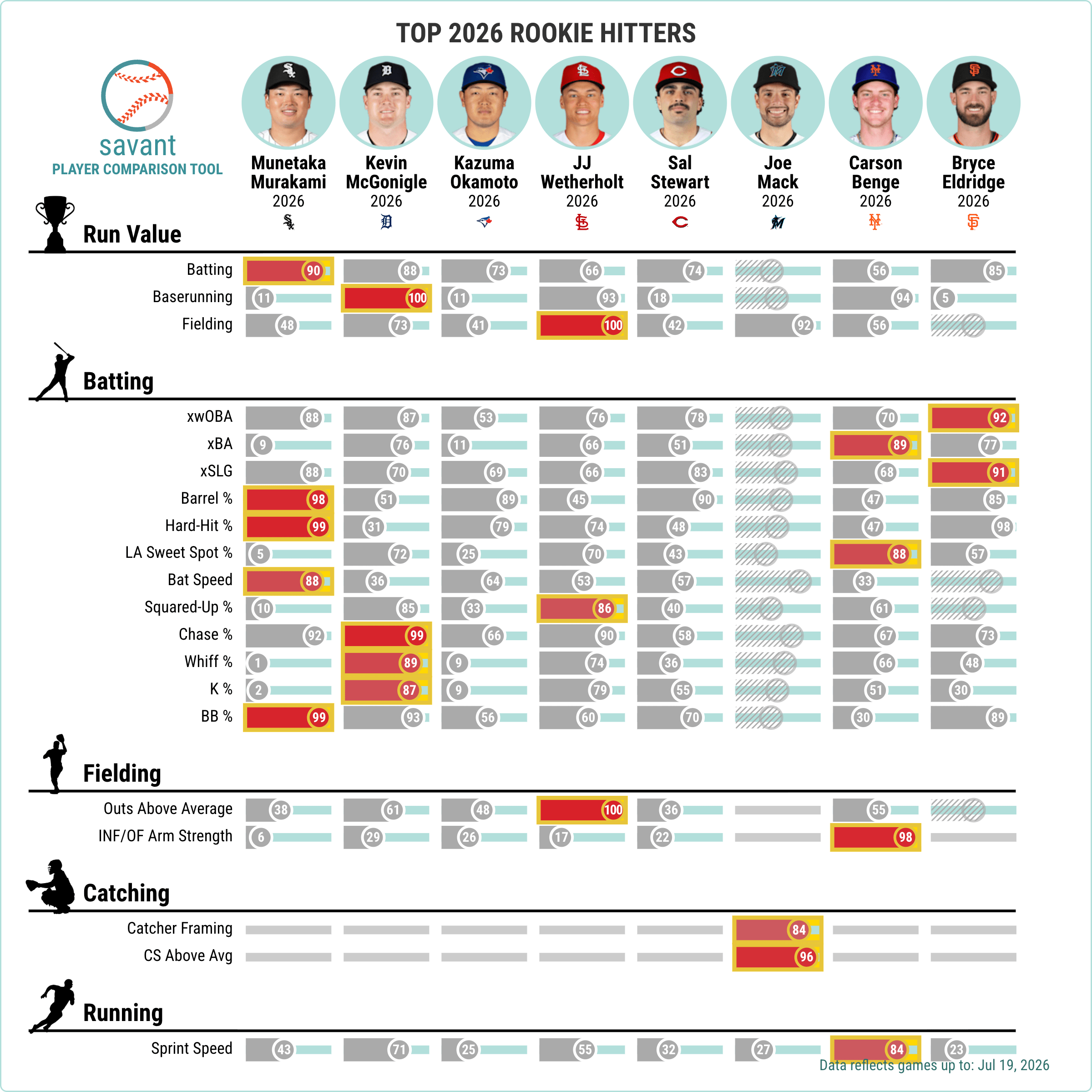
You can also add a title to any player comparison and download the image to share.
The Player Comparison Tool is accessible from the "Compare Players" button on the toolbar at the top of the Baseball Savant site. Additionally, anywhere on Baseball Savant you see a blue-and-red "VS" icon with two small percentile sliders is a link to the Player Comparison Tool.
For some examples of how to use the Player Comparison Tool, see here >>